


TL;DR
- Provision a Gateway: Create an Arcade MCP Gateway via the Arcade dashboard to manage third-party integrations.
- Configure Codex: Update
~/.codex/config.tomlto connect to your Arcade Gateway URL using Streamable HTTP MCP. - Authenticate Securely: Use the
codex mcp login arcadecommand to trigger Arcade’s OAuth flow, tying the session to your user identity. - Test the Connection: Restart Codex and verify the Arcade MCP server appears in your active tools list.
- Run Authenticated Actions: Ask Codex to schedule Calendar events, create Word documents, or manage Linear issues etc directly from your editor.
- Stay Secure: Let Arcade handle token vaulting, refreshing, and execution, keeping sensitive credentials completely out of your local configs and LLM prompts.
Why Use Arcade.dev to Connect Codex and MCP?
Having Codex autonomously schedule Google Calendar events, generate Microsoft Word documents, and manage Linear issues directly from your editor provides a significant engineering advantage. Connecting a local MCP server is straightforward, but adding these authenticated services can create configuration sprawl, credential management risk, and raw MCP tool wrappers that are hard for agents to use reliably.
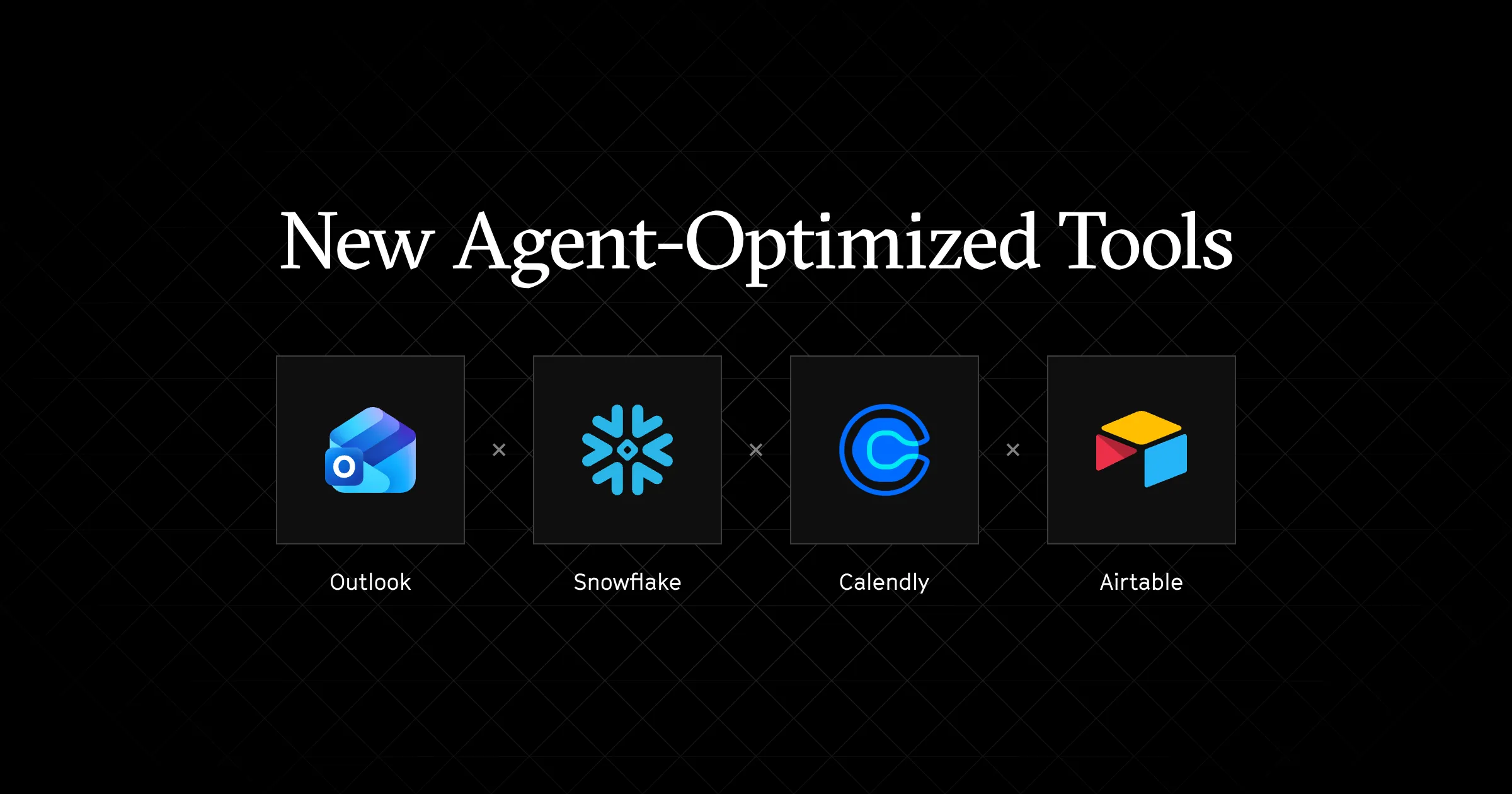
Arcade.dev is an action runtime, not only a routing gateway. Through its MCP gateway, Codex gets access to agent-optimized tools through one endpoint, with native OAuth for gateway authentication and authorization, downstream token vaulting, structured execution logs, and managed tool execution.
This guide walks through testing a local stdio MCP server in Codex and connecting Codex to Arcade through a user-bound OAuth gateway session.
Codex MCP Quickstart: Connecting a Local Filesystem Server
Establish a basic local baseline before introducing a remote gateway. This allows immediate interaction with the local filesystem via Codex.
Use npx to run the filesystem MCP server from Codex’s MCP configuration. No global package install is required for this local baseline.
# ~/.codex/config.toml
[mcp_servers.local_filesystem]
enabled = true
command = "npx"
args = [
  "-y",
  "@modelcontextprotocol/server-filesystem",
  "<ABSOLUTE_DIRECTORY_PATH>"
]
Restart Codex and confirm the MCP server appears in the available tool list. This confirms the client is communicating with the MCP process.
For a practical application, use Codex to analyze local logs with the following prompt:
I have connected a local filesystem MCP server for the /tmp/codex_test_logs directory. Please read the application logs in that directory, identify the most frequent errors
This native stdio mechanism functions effectively local scenarios. However, it does not provide downstream token vaulting or managed execution for authenticated third-party tool calls.
The Challenges of Using Codex MCP Without an Action Runtime
Adding authenticated MCP services to Codex exposes distinct architectural limitations. Without an action runtime, systems encounter common failure modes:
- Raw MCP tool wrappers inject large schemas into the prompt, reducing LLM accuracy and depleting token limits.
- Hardcoded service credentials increase exposure through local files, process access, logs, and accidental commits. Whether you are using Codex or looking to securely add MCP tools to Claude Code, transitioning from static local secrets to an out-of-band authorization gateway is essential.
- Local environments leave credential lifecycle, retries, and auditability to each individual MCP server or wrapper.
Consider the mechanism comparison:
- Native approach: A local script or MCP wrapper often receives hardcoded service tokens through config, environment variables, or headers. Those credentials can leak through local files, logs, process access, accidental commits, or poorly isolated tool execution.
- Arcade approach: Downstream service tokens reside in Arcade’s token vault. Arcade uses those credentials at execution time and returns tool results to Codex, keeping downstream credentials out of Codex prompts and local MCP server definitions.
Without Arcade, developers have to build custom token vaulting, refresh handling, and state management around each MCP server. Arcade reduces this overhead by handling token lifecycle management, state persistence, and tool execution through the action runtime.
| Technical dimension | Native Codex MCP approach | Arcade Action Runtime approach |
|---|---|---|
| Credential security | Tokens often live in local config or wrappers | Downstream tokens vaulted by Arcade and not passed to Codex |
| Execution state | Retries and long-running state handled ad hoc | Action-runtime-managed execution, retries, and token refresh |
| Tool reliability | Raw MCP tool wrappers cause parameter hallucination | Agent-optimized tools reduce parameter hallucination |
| Authentication & authorization | Static tokens in local config | OAuth-backed gateway session for the signed-in user |
Step-by-Step: How to Configure Arcade MCP Gateway for Codex
Connecting Codex to Arcade over remote MCP requires configuring the gateway URL and then authenticating Codex to that MCP server. Codex supports OAuth for Streamable HTTP MCP servers, so the recommended path is to let the Arcade Gateway bind the Codex MCP session to the Arcade OAuth user flow instead of hardcoding a static gateway credential in the config.
Add the Arcade MCP Gateway to ~/.codex/config.toml:
# ~/.codex/config.toml
[mcp_servers.arcade]
enabled = true
url = "https://api.arcade.dev/mcp/<YOUR-GATEWAY-SLUG>"
Then authenticate the server:
codex mcp login arcadeThis OAuth-first setup is the safest fit for Codex because the user identity is established by the MCP authorization flow rather than by a reusable value in a shared config file.
Codex also supports bearer tokens and HTTP headers for Streamable HTTP MCP servers, but this guide does not recommend a shared header-based setup. For the Arcade workflow covered here, use Arcade Auth and codex mcp login so the gateway session is tied to the authenticated user.
Practical Use Cases for Codex and Arcade MCP Integration
Integrating Codex with Arcade enables developers to chain authenticated actions across developer systems without placing downstream service tokens in Codex config.
1. Scheduling Google Calendar Events with Codex MCP
Using Arcade, Codex can seamlessly interact with your Google Calendar to create, update, and delete events, respond to RSVPs, find mutually free time slots, and list your schedule without leaving the editor.
I want to create a new meeting event in my Google Calendar. The event name is going to be Reminder that Arcade provides Google Calendar integration tools. Can you do it for me please?
2. Creating Microsoft Word Documents via Codex
Developers can use Codex and Arcade to generate, read, and append text to Microsoft Word documents directly in their OneDrive workspace.
I want to create a Microsoft Word document using the Arcade tools. The name of the document will be Tool integration test using codex.
3. Managing Linear Issues Directly from Codex
Using Arcade, Codex can create, update, and track Linear issues, transition issue states, add comments, manage projects and initiatives, and link GitHub PRs, helping you stay on top of your project management tasks without switching contexts.
I want to create a new issue in Linear. The issue is around testing codex integration using arcade to linear. The Team name is Research & Development
Codex MCP Troubleshooting: Common Connection Errors and Fixes
Timeouts and authorization states are common hurdles when operating MCP over Streamable HTTP. Consult the Arcade dashboard or execution logs available in your setup to review tool-level authorization and execution errors.
| Symptom | Likely Cause | Concrete Fix |
|---|---|---|
JSON-RPC -32001 error (timeout) |
Tool call exceeds the configured timeout | Increase Codex’s tool_timeout_sec for the MCP server if the tool call is expected to take longer |
| 401/403 on tool call | Gateway OAuth incomplete, scopes missing, or token expired | Run codex mcp login arcade, then complete the required Arcade authorization flow |
400 invalid_grant error |
Permanent session termination | Requires complete re-authentication flow, not just a retryable refresh |
| Streamable HTTP connection drops | Proxies buffering or dropping streams | Review proxy buffering and timeout settings between Codex and the MCP server |
Streamable HTTP drops can occur when proxies or firewalls aggressively terminate idle connections. Review buffering and timeout settings before debugging tool authorization.
A 400 invalid_grant error indicates the external provider revoked the user’s underlying OAuth grant. This represents a permanent session termination rather than a transient network error. The user must complete a fresh authorization flow via Arcade to restore access.
Conclusion: Secure Codex MCP Integrations with Arcade.dev
Adding authenticated services to Codex requires shifting downstream authorization, token storage, and execution state out of local tool wrappers and into an action runtime. Arcade provides that infrastructure.
By handling downstream token vaulting and managed tool execution, Arcade helps Codex use authenticated services without exposing downstream credentials to the model context. Create your first Arcade integration and test it today.
Frequently Asked Questions (FAQ) on Codex and Arcade MCP
Can I use native local stdio instead of Arcade?
Local stdio is useful for personal development and internal prototypes. For authenticated third-party services, it leaves token storage, refresh handling, retries, and auditability to each local wrapper. Arcade vaults downstream tokens and executes tool calls through the action runtime.
Can I use raw MCP tool wrappers instead of Arcade’s agent-optimized tools?
Raw MCP tool wrappers frequently cause context pollution and parameter hallucination in language models. Arcade supplies a catalog of intent-optimized tools that mitigates these failure modes.
Does Arcade.dev provide MCP execution logs?
Arcade.dev provides execution logs that can capture details such as the agent, user, action, system, and timestamp. Availability and export options depend on your Arcade setup.
Where should I store MCP credentials and service tokens?
Never hardcode downstream service credentials in configuration files or prompts. Use Arcade’s token vault for downstream OAuth tokens, and treat any Codex-to-Arcade gateway credential as sensitive infrastructure credentialing that should be injected through a secret manager or trusted environment.
Why does my Streamable HTTP MCP connection keep dropping?
Proxies and firewalls can buffer or time out long-lived connections. Review proxy buffering and idle timeout settings between Codex and the MCP server.
How do I troubleshoot 401/403 errors from Codex MCP tools?
These errors typically indicate incomplete gateway OAuth, missing authorization scopes, or expired user consent. Run codex mcp login arcade, then complete the Arcade authorization flow for the required tool.
What is JSON-RPC -32001 in MCP and how do I fix it?
This error indicates a request timeout, which typically occurs when operations exceed the default 60-second limit. Increase the timeout configuration or implement asynchronous progress notifications for long-running tool executions.