



Model Context Protocol (MCP) is generating a lot of excitement right now. It’s a simple, elegant spec that makes it easy to expose functionality and contextual data to AI models in a structured way.
Want to create GitHub issues or email stakeholders just by asking your code editor? It works great—locally.
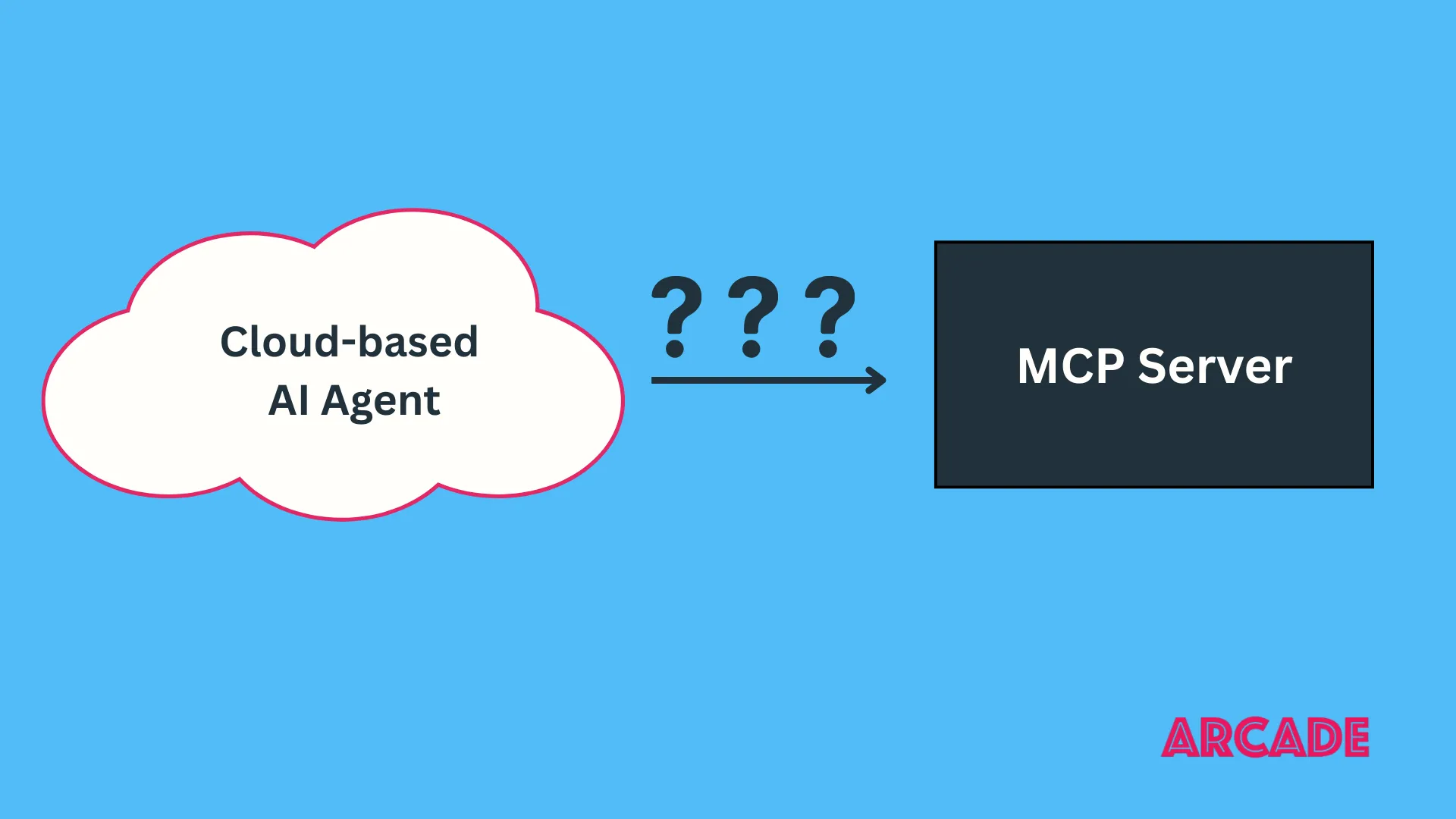
MCP enables some cool use cases on your local machine today. But what if you’re building something cloud-hosted? What if your agent runs in a browser, on a server, or in a cloud function?
Then things get tricky.
Most MCP usage is local
Right now, almost the entire MCP ecosystem is local-only. There’s a reason for that: the protocol’s original design started with solving an integration problem for desktop apps.
The first spec revision included two transports:
- stdio, which is perfect for local apps like IDEs
- HTTP Server-Sent Events (SSE), which was intended to support remote scenarios
But the SSE-based transport introduced a lot of complexity. It required a persistent or semi-persistent connection between the MCP client and server—which is hard to pull off in cloud environments. You need to manage long-lived connections across NATs, firewalls, and possibly ephemeral containers.
The result? Most MCP servers today are local processes, and MCP clients assume they’re talking to a server on the same machine.
What cloud agents need
There’s a growing number of developers building agents hosted in the cloud. Cloud agents are often modeled like microservices: triggered via HTTP or as part of a larger system, and expected to handle requests for many users.
To make MCP work in that world, we need three things:
- An HTTP transport that works well for request/streamed-response use cases without necessarily requiring a persistent connection.
- A protocol-level authorization mechanism, ideally built on OAuth or something adjacent.
- Support for delegated access, so MCP servers can call downstream APIs on behalf of the user.
The good news? The new HTTP transport is done. It’s web-friendly and familiar to developers accustomed to making GETs and POSTs with JSON payloads. Hosting platforms like CloudFlare are already working to support the new transport in their SDKs.
That’s a huge step toward making MCP ready for agents.
Authorization: coming soon
On your laptop, authorization is easy: if an MCP server is running, the user has already implicitly trusted it. But in the cloud, you need a way to authorize the request. Who’s making this call? Are they allowed to?
Originally, the protocol didn’t address these concerns, but that’s changing quickly:
- The `2025-03-26` protocol revision outlined the beginning of an authorization spec for MCP.
- A proposal to clarify authorization between MCP clients and MCP servers is in review, with input from security experts from Microsoft, Google, Arcade.dev (including yours truly), Okta, AWS, Stytch, and more.
- Based on discussion in that proposal, a follow-up discussion about tool-specific authorization is planned.
Once the dust settles, these additions to the MCP spec will unlock secure, composable tool access for agents everywhere—especially when enforced by an MCP runtime built to handle enterprise governance.
Move fast, try things
Good news: you don’t have to wait for all the pieces to fall into place. At Arcade.dev, we’re building a universal integration platform for agents and AI apps, with hundreds of tools already available. That means you can start building cloud-hosted agents that use those tools today (and MCP tools tomorrow), all through only a few lines of code.
Want to give Arcade.dev a try? Sign up for a free account and let us know what you think!