Nobody has one Google account. There’s the work address, the client address, and the one you have to access that one system or workflow. Slack is the same, a large company can easily put you in three workspaces for three business units.
Until now, an Arcade gateway pointed at one project, and connections were isolated per project. A second account on the same service meant a second project and a second gateway. Then you had to tell your agent which gateway held which account. At 100 employees with four account and provider combinations each, that’s 400 projects.
Today we are releasing Multi-Profile. Connect as many accounts as you need from the same provider to a single gateway. Your agent chooses the right one for each tool call.
How does Multi-Profile work?

An Arcade user can now connect several accounts for Google, Microsoft, Microsoft Power BI, and Slack, with more to come soon. On a gateway with Multi-Profile on, tools for those providers accept an optional arcade_profile_id.
Ask your agent to search a particular workspace, then send the summary from your work address, and each call runs on the matching profile in the same conversation. Every tool result ends with a note naming the account the call used, so the agent’s next step never rests on a guess.
MCP Apps also run their calls on the profile the agent selected, so a draft opened in one account is saved and sent from that account.
More profiles, the same security
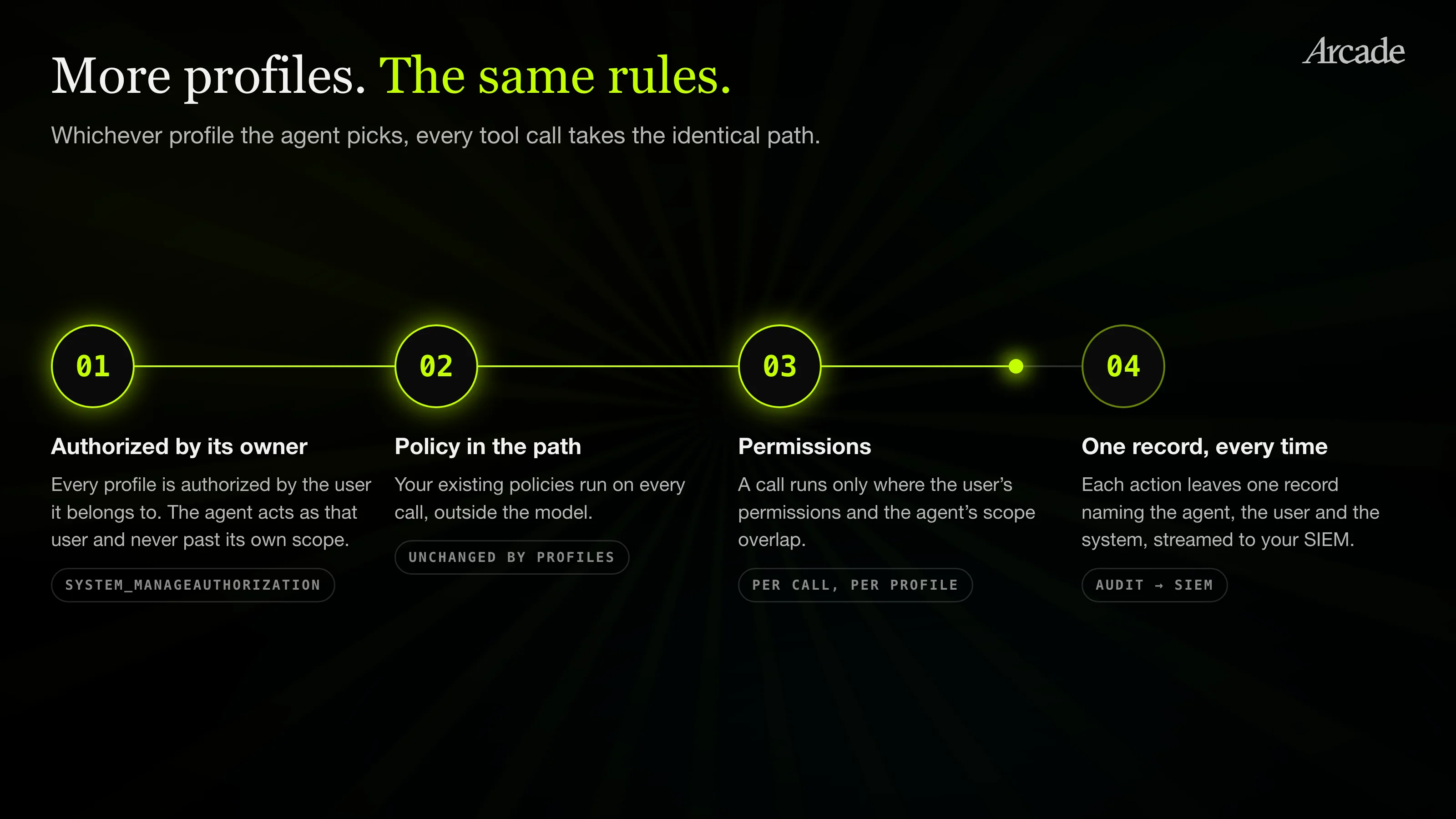
Arcade enforces authorization and governance on everything it does, and Multi-Profile follows the same rules.
System_ManageAuthorization reports and authorizes each profile, and when a user needs another account, it sends them to sign in to it. Every profile is authorized by the user it belongs to, so the agent acts as that user and never past its own scope.
Your existing policies still run in the path of every tool call, outside the model, and each call runs only where the user’s permissions and the agent’s scope overlap. That holds whichever profile the agent picks.
Every action still leaves one record naming the agent, the user, and the system, and those records stream to your SIEM.
Choosing the right account is a safety question too. Sending an email from the wrong account is the mistake that matters to people, so we built an eval suite for profile selection and tuned how agents see profiles in gateway instructions and tool recommendation.
Built for the way teams run agents
Multi-Profile is off by default.
An org admin turns it on from the organization section of the dashboard, and nothing changes for existing gateways until they do.
Get started
Support for more accounts is in progress. If you want the benefits now, turn Multi-Profile on and get one gateway for every account, the right account on each call, and the same authorization and governance Arcade always enforces.
Read the docs here for more information, or get started with a free Arcade account now.