Getting from signing up for Arcade.dev to your first tool call should be as fast and painless as possible, so today we’re releasing the Arcade Plugin. You install it in the agent you already use, sign in, and start calling tools. There is no Model Context Protocol (MCP) gateway to configure, and no client settings to edit.

Whether you heard about us five minutes ago and happen to have Claude or Cursor already open, or you are beginning to evaluate Arcade for your team, the Plugin is built for anyone starting out with Arcade. Ask your agent for something real, like a summary of your unread email, and it finds the right tool and runs it.

One gateway and over 1K agent-optimized tools
The Arcade Plugin connects to a single gateway available to every Arcade account, and our new Tool Recommendation capability made that shared gateway possible.
Tool catalogs can easily grow to include thousands of tools, which is more than any model’s context window can hold, and means that a gateway exposing a large amount of tools could not work. To work around this limitation, teams had to assemble a smaller gateway and decide which tools belonged in it.
Tool Recommendation removes that need for a limited choice. Now a catalog of over 1K agent-optimized tools stays out of the context window, so one gateway can serve everyone while giving each user the tools their agents need to get real work done.
The Plugin is the instruction manual
A gateway URL with no instructions can make a poor first impression, so the Arcade Plugin ships with Skills and hooks that tie into the agent’s lifecycle in each client. They teach your agent when to reach for Arcade and how to use it. The first time a service like Gmail or Slack comes up, you get a link to connect that account.

This means you can use Arcade from inside the agent you already work in, without opening the dashboard. Signing up and authorizing each service are the only steps that take you to a browser.
Building a gateway that belongs to no project
Most of the work building the Plugin went into a question that every tool call raises: whose project is this?
When you sign up, Arcade creates a project for you, and the gateway resolves it as your default project on each call. Every call runs inside that project, so its secrets come along. If you keep an API key for a service like Granola in your personal project, the gateway finds it and uses it.
The same actions runtime behind every call
Every call you make through the Arcade Plugin runs on the same actions runtime as everything else on Arcade. You can trust that each one gets the same authorization, enforcement, and governance.
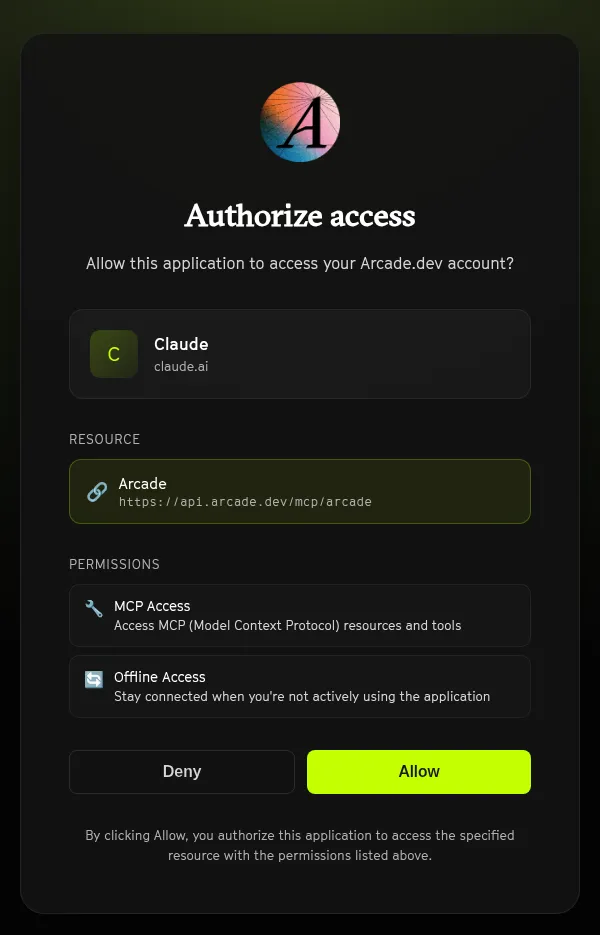
Arcade confirms who the agent is acting for, enforces what it is allowed to do, executes the call, and governs it. The plugin changes how you get to Arcade, not what happens once you are there.
Getting started takes one install
Install the plugin in your client, sign in with Arcade, and ask your agent for something real, like “summarize my unread email” or “post the release notes to #eng.” The plugin works in Claude Code, Claude Desktop, Cursor, VS Code, GitHub Copilot CLI, and Codex.
It’s our mission to give your agent secure access to the tools you use every day, through an actions runtime that governs every call. Getting started just got easier.