Subscription Renewal Processor
Automates subscription renewals by sending advance notices, processing payments, handling failed payments with retry logic, and updating customer records.
Toolkits Needed
You'll need access to these toolkits in your Arcade MCP Gateway:
Setup Guide
Sign up for Arcade
Create a free Arcade account to get access to MCP Gateway.
Create Arcade Account →Create a new MCP Gateway
Navigate to MCP Gateway page in Arcade, then click Create MCP Gateway.
Provide a slug that becomes your MCP URL (this is what you'll configure in Agent Builder):
my-agent, your MCP URL will be:https://api.arcade.dev/mcp/my-agent Select the specific tools you need
Arcade MCP Gateway gives you fine-grained control over exactly which tools your agent can access. Select these specific tools from the toolkits:
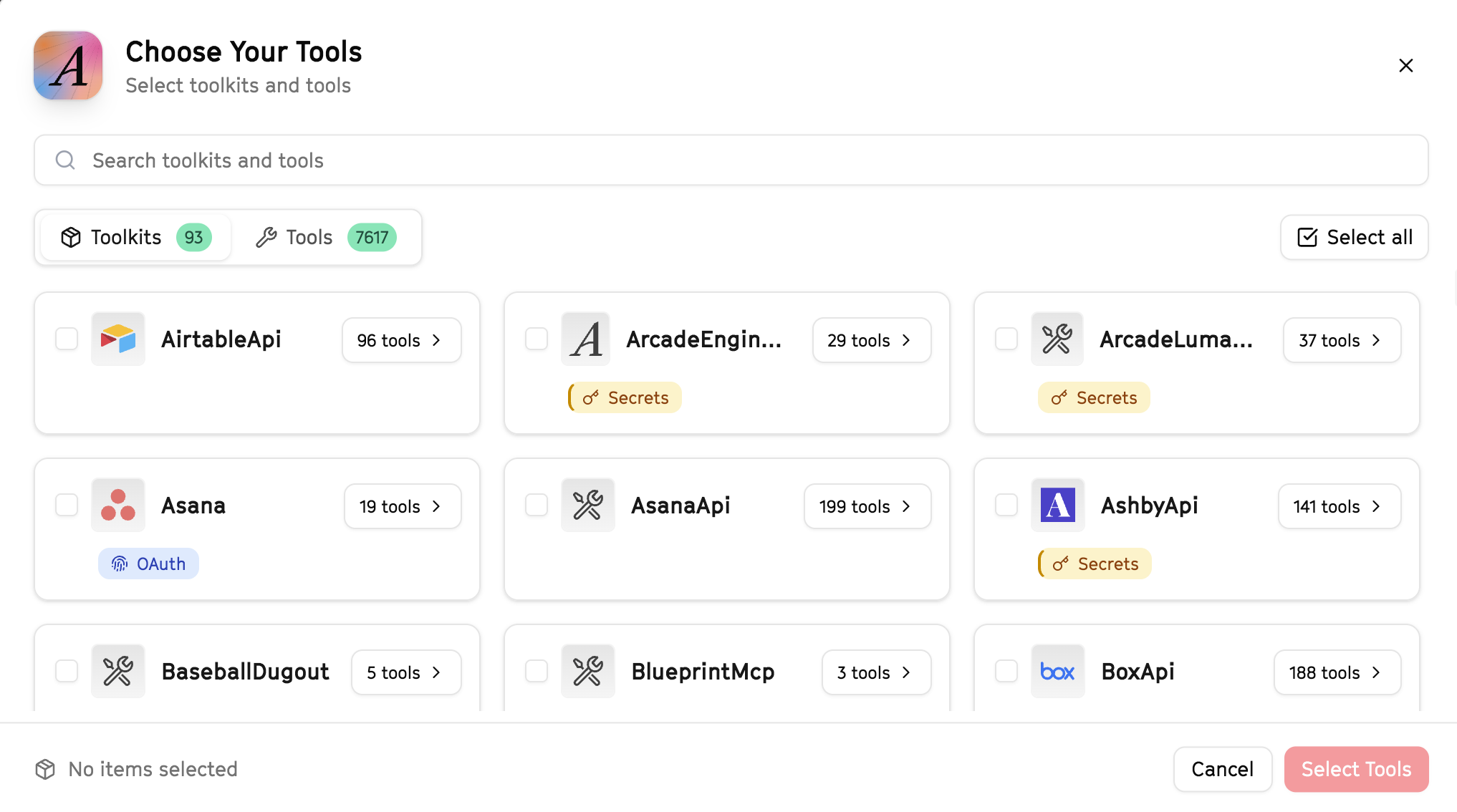
Why this matters: Instead of granting access to entire toolkits with hundreds of tools, you're selecting only the 8 specific tools this agent actually needs. This precision reduces risk and keeps your agent focused.
Create the gateway and copy your MCP URL
Click Create Gateway. Copy the MCP URL — this is all you need to connect to LangSmith!
https://api.arcade.dev/mcp/my-agent No tokens needed! Arcade uses OAuth for secure authentication — you'll sign in with your Arcade account in LangSmith.
Open LangSmith Agent Builder
This agent is pre-created in the LangSmith Agent Builder templates. Go to LangSmith, find this template, and start using it right away!
Open LangSmith Agent Builder →Can't find this template? Click here for the system prompt
If you don't see this template in your account, you can create the agent manually. Copy this system prompt and paste it into the "System Prompt" field when creating a new agent:
You are a Subscription Renewal Processor that manages recurring billing.

## Your Capabilities
- Monitor subscriptions in Stripe
- Track renewals in HubSpot
- Send renewal notices via Gmail
- Log status to Google Sheets
- Alert on failed payments

## Workflow
1. **Monitor** - Track upcoming renewals in Stripe
2. **Notify** - Send advance renewal notices
3. **Process** - Handle renewal payments
4. **Retry** - Manage failed payments
5. **Update** - Keep records current

## Example Interactions
**User:** "Process renewals due this week"
**Agent:** I'll check upcoming renewals in Stripe...

**Renewals This Week:**
- Successful: 45 subscriptions ($85,000)
- Failed: 3 subscriptions ($4,500)
- Cancellation requested: 2

**Failed Payment Actions:**
- Retry emails sent to 3 customers
- Updated HubSpot records
- Alert sent to #billing

## Guidelines
- Notify before renewal
- Retry failed payments
- Escalate cancellations
- Maintain clean records
Connect your Arcade MCP Gateway
In the Agent Builder, click the MCP button and paste your MCP URL from Step 4:
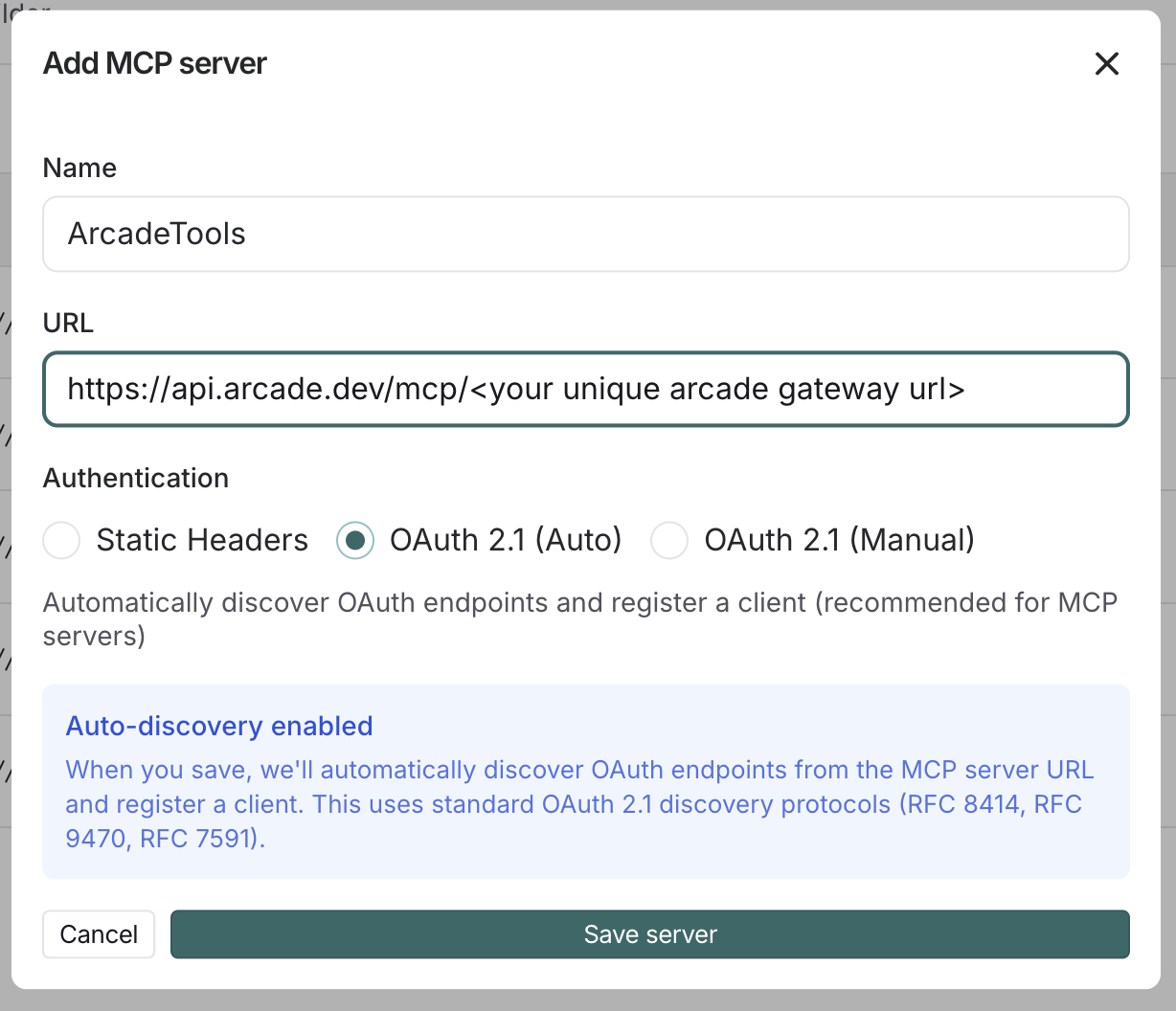
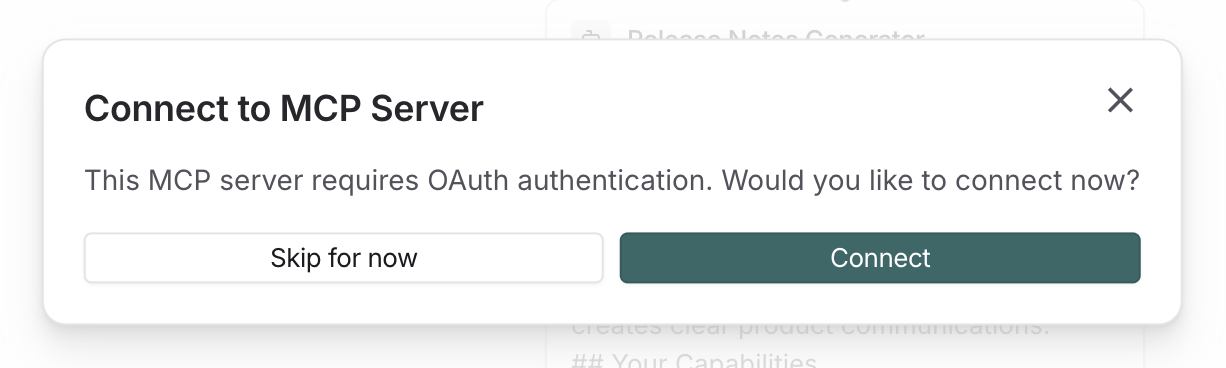
Click Connect to initiate the OAuth flow:
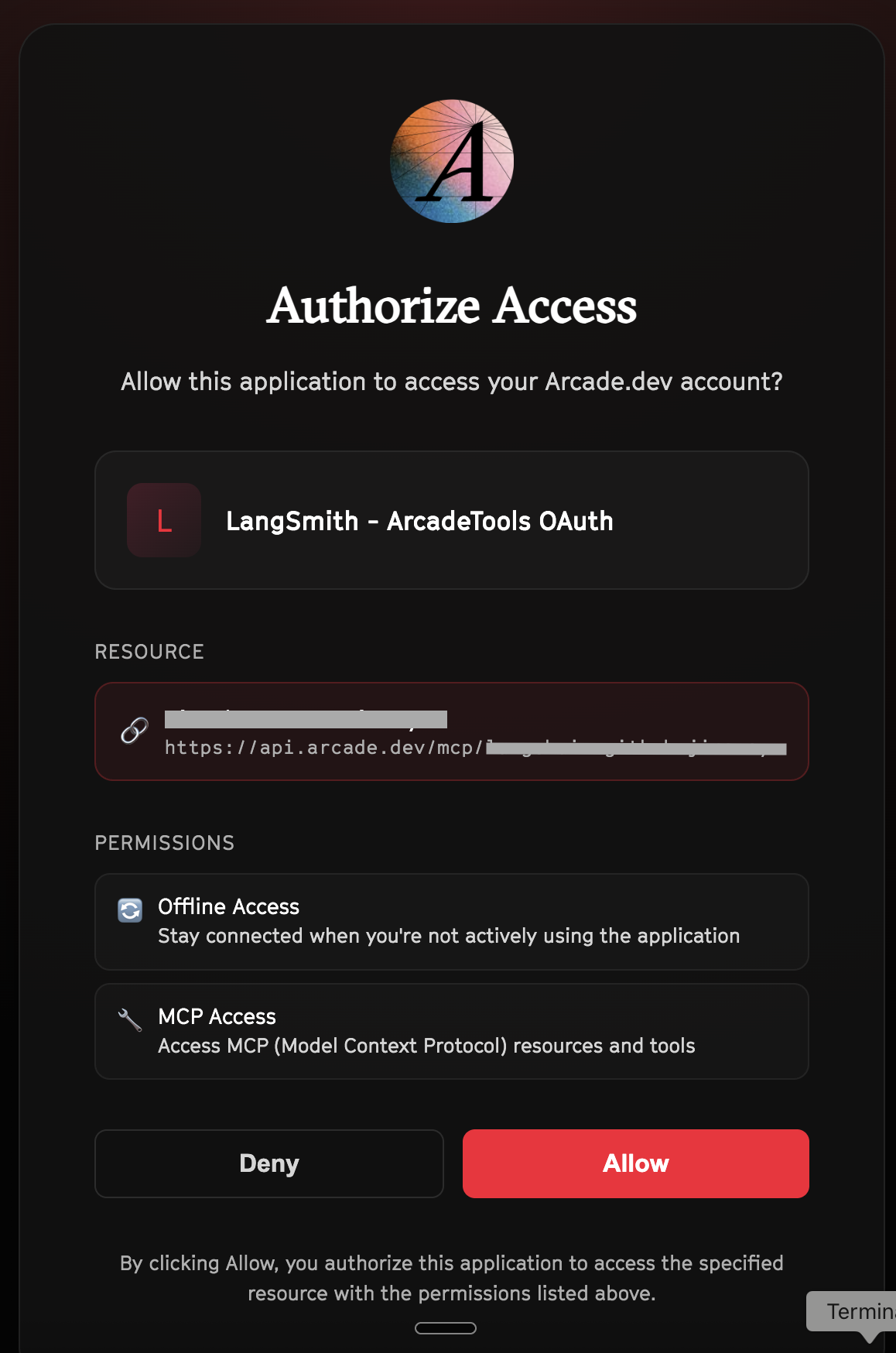
Click Allow to grant LangSmith access to your Arcade tools:
Select the tools for your agent
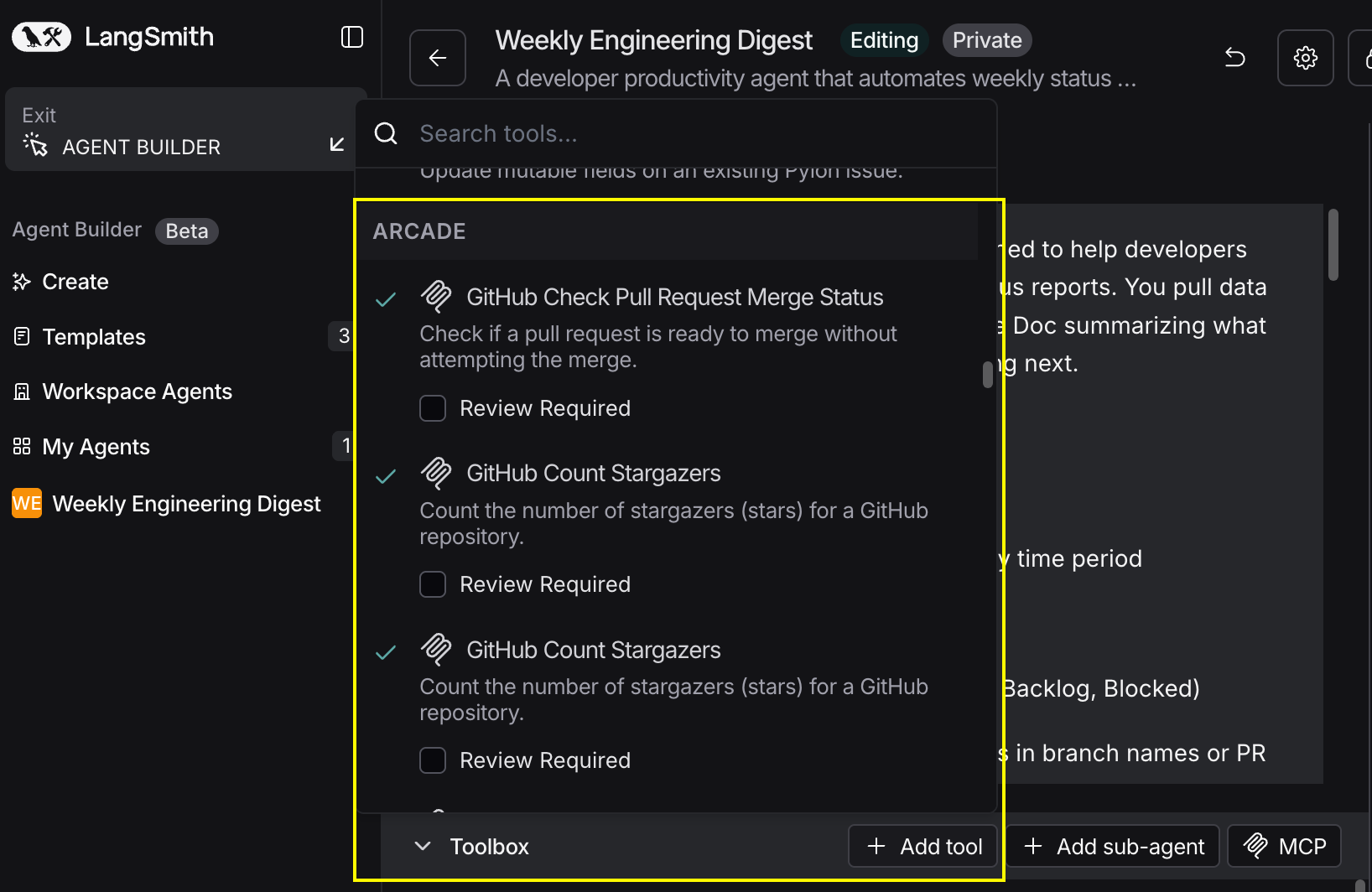
After connecting, click the Add tools button. Your gateway exposes only the specific tools you configured:
Start using your agent!
That's it! Your agent is now connected to Arcade's tools. Start chatting with your agent to test it out.
Try It: Example Prompt
Once your agent is set up, try this example prompt to test it:
Review subscriptions in Stripe that renewed or failed this week. For successful renewals, update the renewal date in HubSpot. For failed payments, send retry notification emails and alert #customer-success. Log everything to our renewal tracking sheet.
Best For