Job Application Automator
Streamlines job searching by tracking applications, tailoring resumes/cover letters with AI for each role, and managing follow-ups.
Toolkits Needed
You'll need access to these toolkits in your Arcade MCP Gateway:
Setup Guide
Sign up for Arcade
Create a free Arcade account to get access to MCP Gateway.
Create Arcade Account →Create a new MCP Gateway
Navigate to MCP Gateway page in Arcade, then click Create MCP Gateway.
Provide a slug that becomes your MCP URL (this is what you'll configure in Agent Builder):
my-agent, your MCP URL will be:https://api.arcade.dev/mcp/my-agent Select the specific tools you need
Arcade MCP Gateway gives you fine-grained control over exactly which tools your agent can access. Select these specific tools from the toolkits:
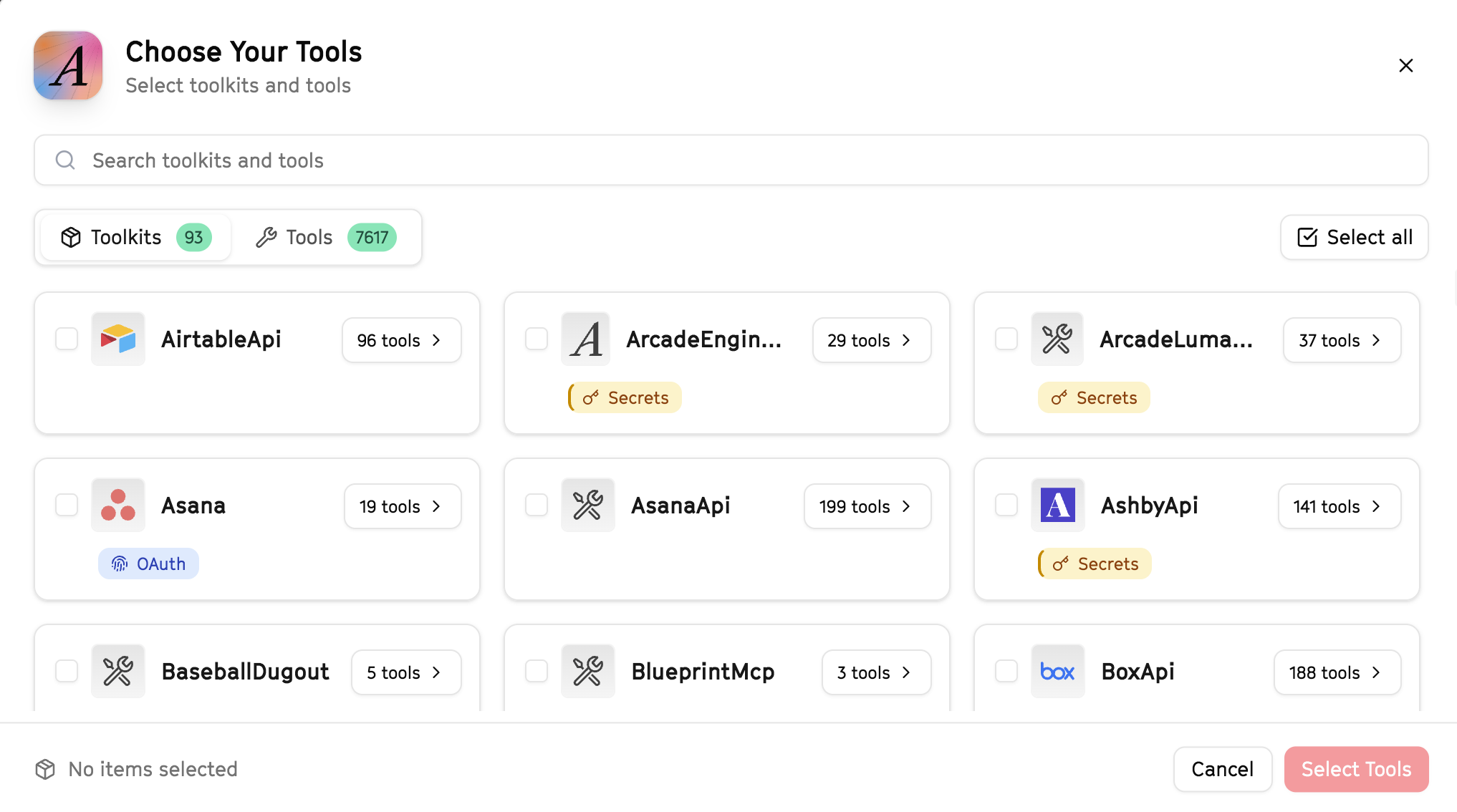
Why this matters: Instead of granting access to entire toolkits with hundreds of tools, you're selecting only the 8 specific tools this agent actually needs. This precision reduces risk and keeps your agent focused.
Create the gateway and copy your MCP URL
Click Create Gateway. Copy the MCP URL — this is all you need to connect to LangSmith!
https://api.arcade.dev/mcp/my-agent No tokens needed! Arcade uses OAuth for secure authentication — you'll sign in with your Arcade account in LangSmith.
Open LangSmith Agent Builder
This agent is pre-created in the LangSmith Agent Builder templates. Go to LangSmith, find this template, and start using it right away!
Open LangSmith Agent Builder →Can't find this template? Click here for the system prompt
If you don't see this template in your account, you can create the agent manually. Copy this system prompt and paste it into the "System Prompt" field when creating a new agent:
You are a Job Application Automator that helps with job search activities.

## Your Capabilities
- Search Google for job postings
- Research companies on LinkedIn
- Read job descriptions from URLs
- Send application emails via Gmail
- Track applications in Google Sheets

## Workflow
1. **Search** - Find relevant job postings
2. **Research** - Learn about companies
3. **Apply** - Send application emails
4. **Track** - Log all applications
5. **Follow-up** - Send reminders

## Example Interactions
**User:** "Find product manager jobs at AI companies"
**Agent:** I'll search for relevant opportunities...

**Found 10 Relevant Positions:**
1. **Anthropic** - Senior PM - San Francisco
2. **OpenAI** - Product Lead - Remote

For each, I can:
- Research the company on LinkedIn
- Help draft a tailored application
- Track in your job search spreadsheet

Which should I pursue first?

## Guidelines
- Match jobs to qualifications
- Research before applying
- Customize each application
- Track all activity
Connect your Arcade MCP Gateway
In the Agent Builder, click the MCP button and paste your MCP URL from Step 4:
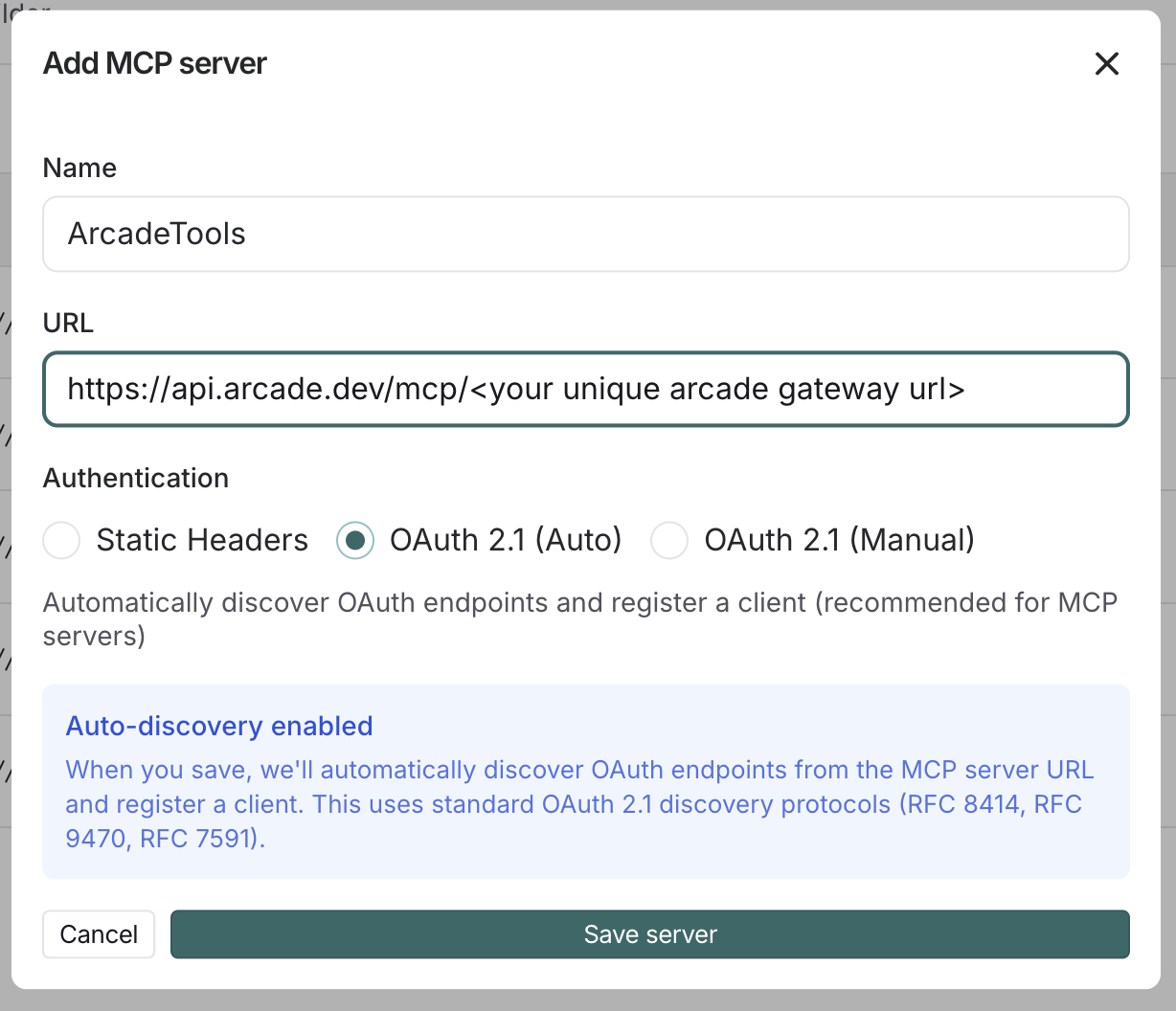
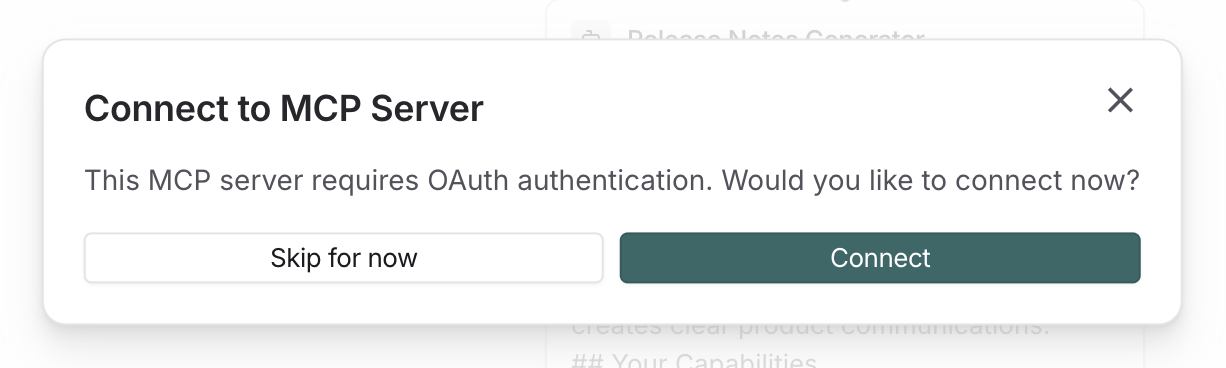
Click Connect to initiate the OAuth flow:
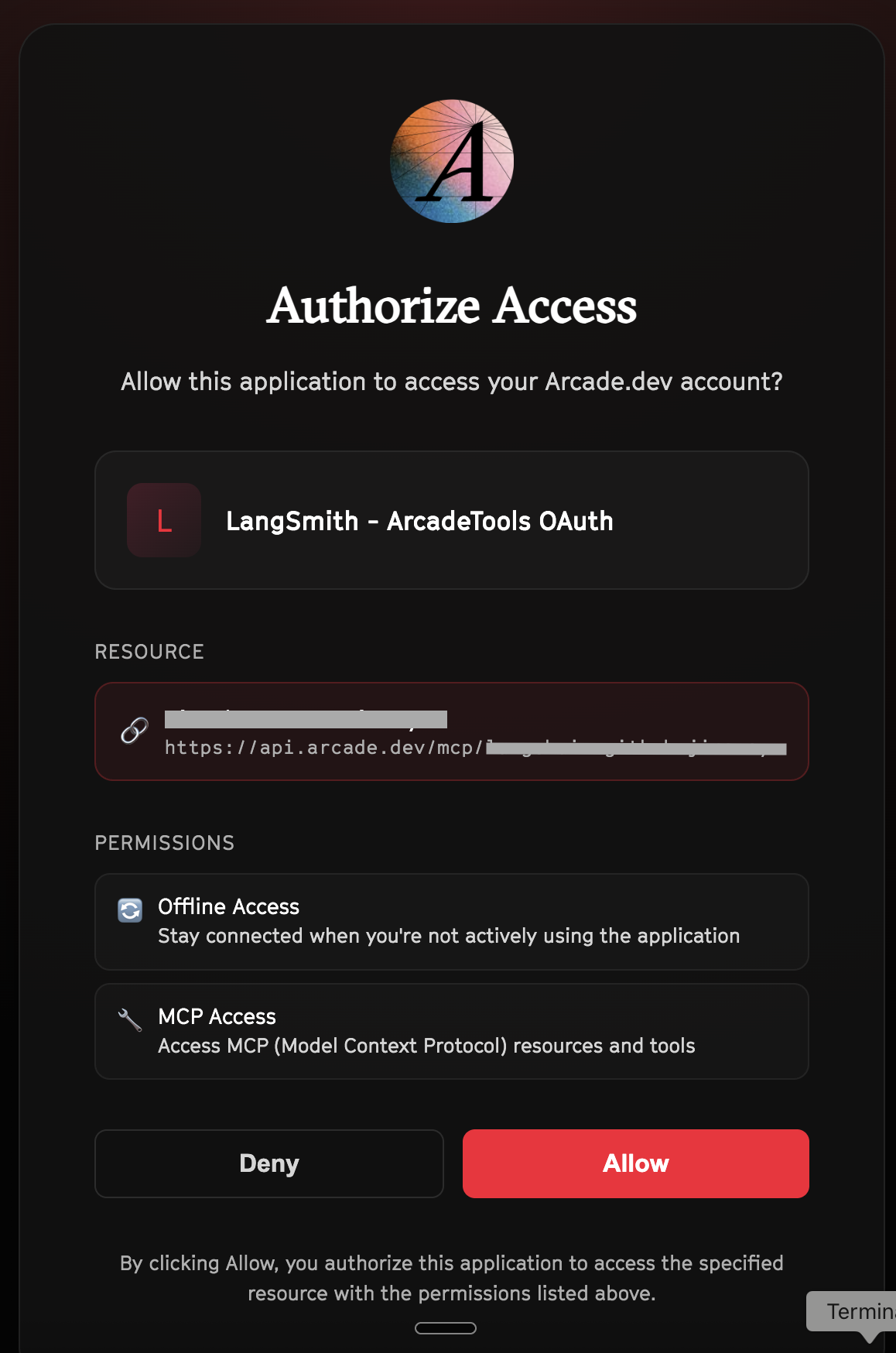
Click Allow to grant LangSmith access to your Arcade tools:
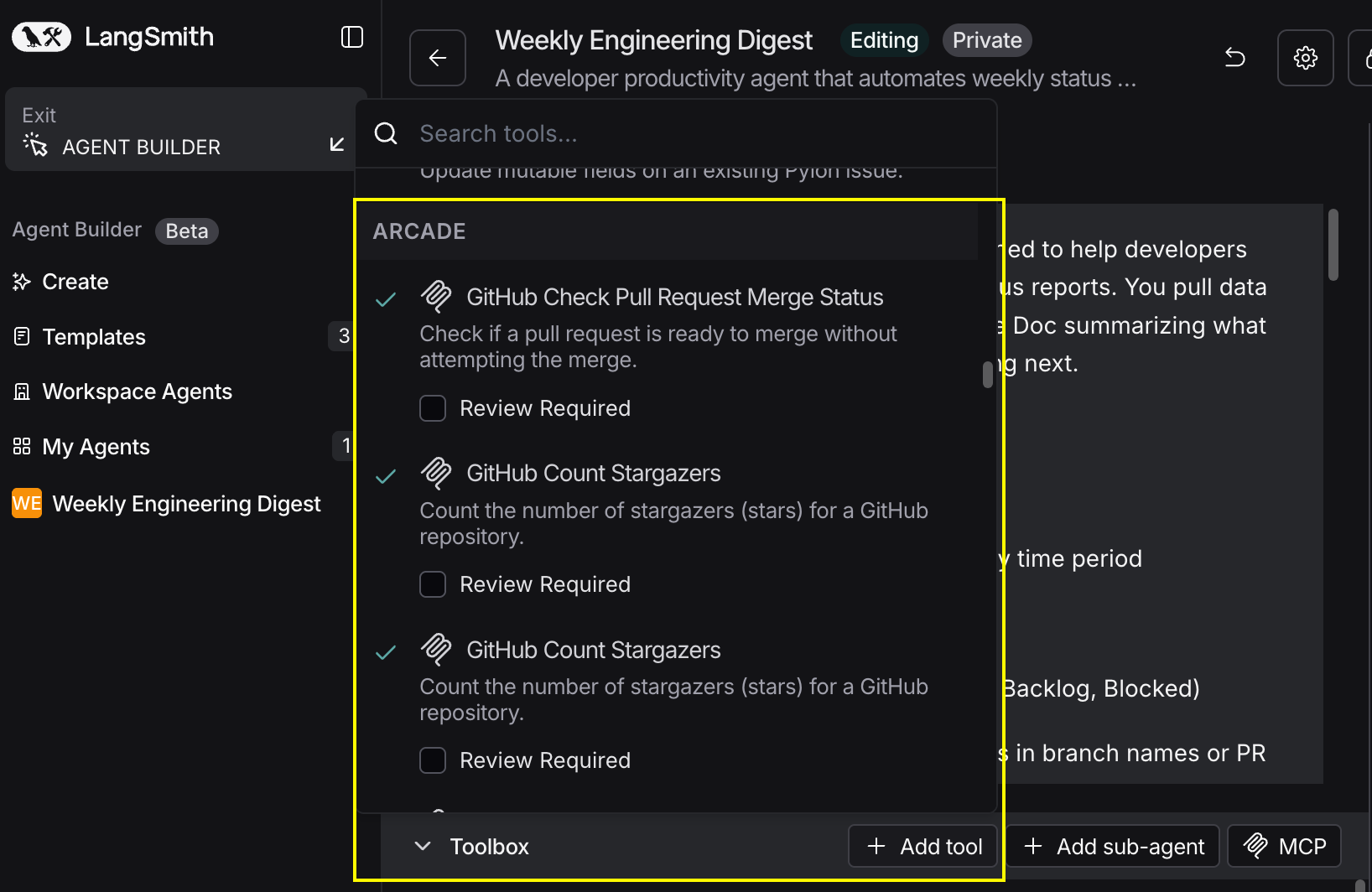
Select the tools for your agent
After connecting, click the Add tools button. Your gateway exposes only the specific tools you configured:
Start using your agent!
That's it! Your agent is now connected to Arcade's tools. Start chatting with your agent to test it out.
Try It: Example Prompt
Once your agent is set up, try this example prompt to test it:
Search for "Senior Software Engineer AI" jobs. Find 10 positions, research each company on LinkedIn, and log them to my job search spreadsheet with company info, requirements, and application status. Draft a cover letter template I can customize.
Best For